
Takabet Account Recovery Guide: Forgot Password, Locked Profile, and Security Resets
Losing access to your online gaming account can be an alarming experience, especially when you have an active real-money balance, pending sports wagers on an upcoming cricket match, or accumulated VIP loyalty progress. Whether you simply forgot an intricate password, accidentally triggered an automated security lockout after multiple mistyped attempts, or encountered an expired session on your mobile application, regaining access quickly and securely is essential.
Because online gaming platforms manage real financial transactions, account recovery protocols must strike a careful balance between user convenience and rigorous cybersecurity. Security systems must ensure that legitimate players can reset their credentials effortlessly, while permanently preventing unauthorized third parties, hackers, or fraudulent impostors from hijacking player accounts.
This comprehensive guide, authored by our technical security and customer operations desk, walks you through the entire account recovery procedure for Takabet in Bangladesh. We cover automated SMS verification resets across local mobile carriers, resolving temporary profile lockouts, email recovery alternatives, manual customer support verification workflows, and vital best practices for creating unbreakable credentials.
The Primary Automated Recovery Workflow: SMS Password Reset
In Bangladesh, player accounts are primarily anchored to a verified local mobile phone number. Consequently, the fastest and most secure method for resetting a forgotten password is the automated SMS One-Time Passcode (OTP) recovery system:
Step 1: Navigating to the Recovery Interface
- Launch your preferred browser or open the Takabet Mobile App.
- Tap the Login button located in the upper-right corner of the homepage to open the credentials box.
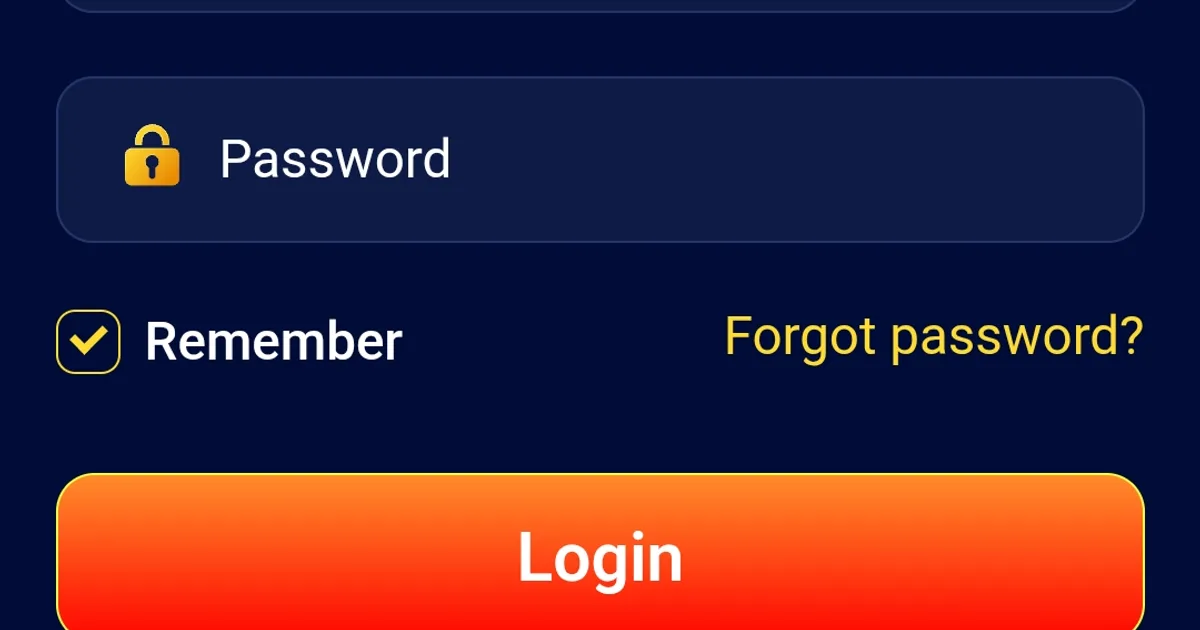
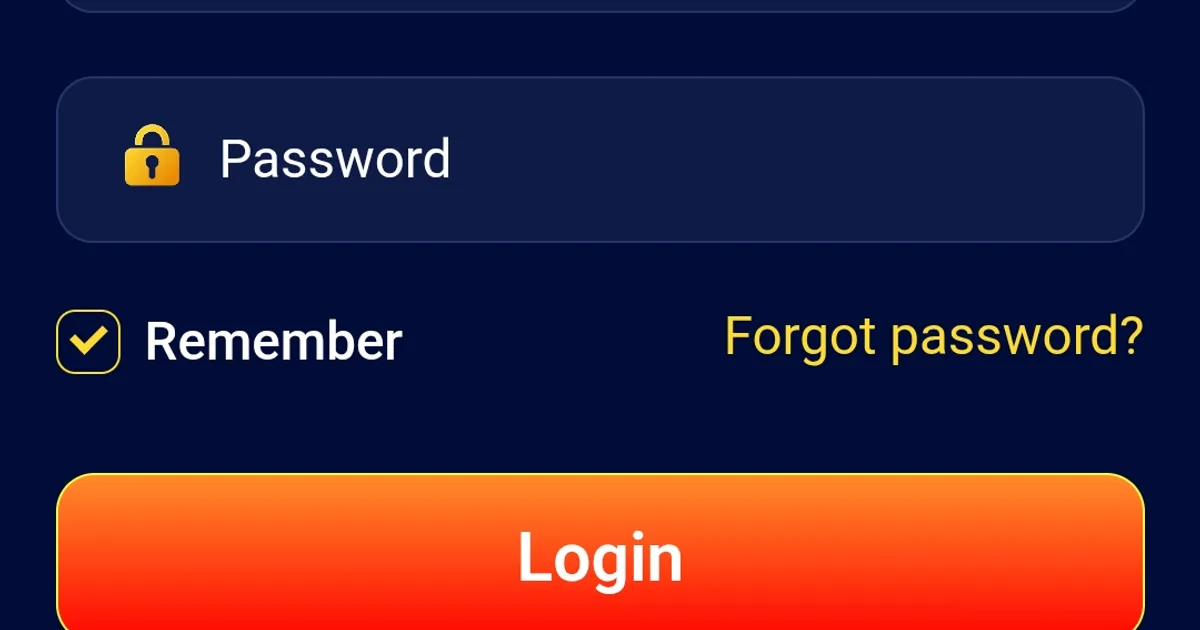
- Locate and click the Forgot Password? hyperlink situated directly beneath the password input field.
- The system will open an encrypted password recovery window protected by 256-bit SSL encryption.
Step 2: Entering Your Identifying Details
- Select Your Recovery Method: Choose Reset via Mobile SMS (recommended).
- Enter Your Registered Username: Input your exact alphanumeric account username.
- Enter Your Registered Mobile Phone Number: Type your 10-digit or 11-digit Bangladeshi mobile number (associated with carriers such as Grameenphone, Robi, Banglalink, Airtel, or Teletalk) that was verified during initial account registration. Ensure the country code (
+880) is correctly configured. - Complete the Visual Captcha: Solve the lightweight security puzzle (such as matching shapes or entering an on-screen numeric code) designed to prevent automated credential-stuffing bots.
- Tap Send Verification Code (or "Get OTP").
Step 3: Receiving and Entering the SMS Verification Code
- The automated server will transmit a 4-digit or 6-digit One-Time Passcode (OTP) directly to your mobile device via SMS.
- The verification SMS is typically delivered within 15 to 45 seconds.
- Open your messaging app, copy the verification code, and enter it into the on-screen OTP field.
- Note the Expiration Timer: The security code remains valid for a strict 5-minute countdown window. If the code is not entered within 5 minutes, it expires automatically to prevent interception, requiring you to request a fresh OTP.
Step 4: Establishing Your New Secure Password
- Once the OTP is validated by the system, you will be directed to the Set New Password screen.
- Create a brand-new, robust password containing between 8 and 20 characters, incorporating uppercase letters, lowercase letters, numbers, and special symbols (e.g.,
#,$,@). - Re-type the exact same password in the Confirm Password field.
- Tap Submit or Update Password.
- A green confirmation banner will appear confirming that your password has been successfully updated. All previous active sessions across other devices will be terminated automatically, and you can now log in using your new credentials.
Troubleshooting Delayed or Missing Verification SMS
If you request a password reset code but do not receive the verification SMS on your phone within 60 seconds, follow these diagnostic steps:
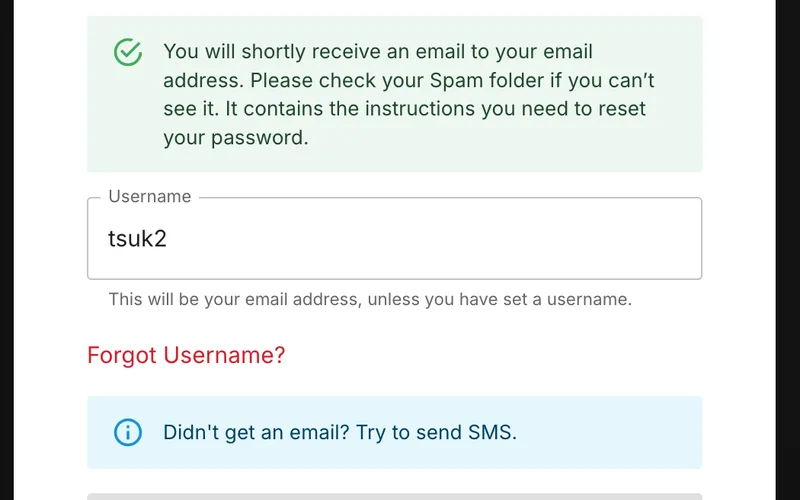
Check Telecom Network Signal and Roaming
Ensure your smartphone has a strong, stable cellular connection. If your phone is in an area with poor signal coverage, or if your device is inadvertently set to Airplane Mode, the automated SMS gateway will be unable to deliver the message. Toggle Airplane Mode on and off to reconnect to the nearest cellular tower.
Inspect SMS Spam and Filter Folders
Modern Android smartphones (such as Xiaomi, Samsung, and Realme) and caller identification apps (like Truecaller) feature aggressive automated spam protection that occasionally flags legitimate verification shortcodes as commercial advertising:
- Open your phone's default Messages app.
- Tap the settings menu (three dots or profile icon) and select Spam and Blocked.
- Check if the verification SMS from the platform’s shortcode gateway was filtered into the spam folder.
Wait for the Cooldown Timer to Expire
Telecom networks in Bangladesh occasionally experience momentary congestion during major cricket tournaments or national holidays. Avoid tapping the "Resend" button frantically, as this can trigger temporary flood-protection blocks. Wait for the 60-second on-screen timer to expire, ensure your phone is connected, and tap Resend Code once.
Resolving Automated Account Lockouts
To defend player accounts against brute-force password guessing attacks, platform security software automatically initiates a protective account lockout if incorrect credentials are submitted five consecutive times:
What an Automated Lockout Means
An automated lockout does not mean your account has been permanently deleted, banned, or confiscated. It simply means the security firewall has placed your profile into a temporary dormant state to prevent a malicious actor or automated bot from continuing to guess your password.
How to Clear a Temporary Lockout
- The Cooling-Off Method: In most instances, automated security lockouts are programmed with a temporary expiration timer lasting 15 to 30 minutes. Step away from your computer or close the app, wait 30 minutes without attempting any logins, and then return to initiate the standard "Forgot Password" SMS reset workflow described above.
- The Live Support Override: If you need immediate access to your account to manage an active wager or initiate a time-sensitive withdrawal, you can request an administrative unlock by contacting live customer support via our Customer Service Guide.
Manual Support Verification: What to Do If You Lost Access to Your Phone Number
A more challenging scenario arises if you lose your mobile phone, have your SIM card permanently deactivated by your telecom operator, or cannot access your registered phone number to receive the SMS OTP.
Because the phone number is your primary ownership anchor, changing your registered mobile number requires rigorous manual identity verification to ensure an impostor is not attempting an unauthorized account takeover:
Step 1: Contacting Customer Support
- Open the live web chat widget on the verified platform homepage or launch the mobile app.
- Select Account Security and Recovery from the pre-chat category menu.
- State your situation clearly: "Hello, I have lost access to my registered mobile phone number and cannot receive the SMS password reset code. I need to initiate a manual identity verification to recover my account."
Step 2: Providing Account Ownership Evidence
To prove that you are the genuine owner of the account, the compliance agent will ask you to provide specific verification data that only the true account holder would know:
- Your Registered Username and Numerical Player ID.
- Your Legal Name and Date of Birth as registered on the profile.
- Historical Financial Records: You will be asked to confirm the details of your recent financial transactions, including the exact BDT amounts, approximate dates, and recipient wallet numbers of your last two deposits, along with the 10-digit Transaction IDs (TrxID) from your personal bKash or Nagad app statement.
- Active Account Balances: Stating your approximate remaining real-money balance or naming specific recent bets placed on cricket matches or live dealer tables.
Step 3: Submitting Government-Issued Identification (KYC)
If the financial details match platform records, the compliance desk will ask you to upload a clear photograph of your official government identification:
- A crisp, uncropped color photograph of your National Identity Card (Smart NID), international passport, or driver's license.
- In certain high-security cases, the agent may request a "Selfie with ID," where you take a clear photograph of yourself holding your National ID card alongside a handwritten piece of paper displaying today's date and the word "Takabet."
Once your identity documentation is verified by a senior compliance officer (typically within 1 to 4 hours), the agent will manually update your registered phone number in the system and send a fresh password reset link to your verified channel.
Essential Best Practices for Account Security Hygiene
Preventing account lockouts and credential loss requires proactive digital habits:
- Utilize a Dedicated Password Manager: Rather than attempting to memorize complex passcodes or using predictable, insecure passwords (like your name or phone number), store your credentials in a trusted, encrypted password manager such as Google Password Manager, Apple Keychain, or Bitwarden.
- Never Share Your Login Credentials: Never share your account username or password with friends, family members, or individuals claiming to be "betting advisors," "tipsters," or "account managers." Sharing credentials violates platform terms and exposes your balance to theft.
- Avoid Saving Passwords on Shared Hardware: If you access your account from an internet cafe, a shared office desktop, or a friend’s mobile phone, never allow the browser’s autofill feature to save your password, and always log out manually when concluding your session.
- Maintain Personal Discipline: Account recovery ensures continuous access, but gaming should always be approached with strict personal boundaries. Review our Responsible Gaming Policy to set sensible deposit and session limits.