
Upay Payment Guide for Casino Transactions in Bangladesh: UCB Mobile Banking and Deposit Steps
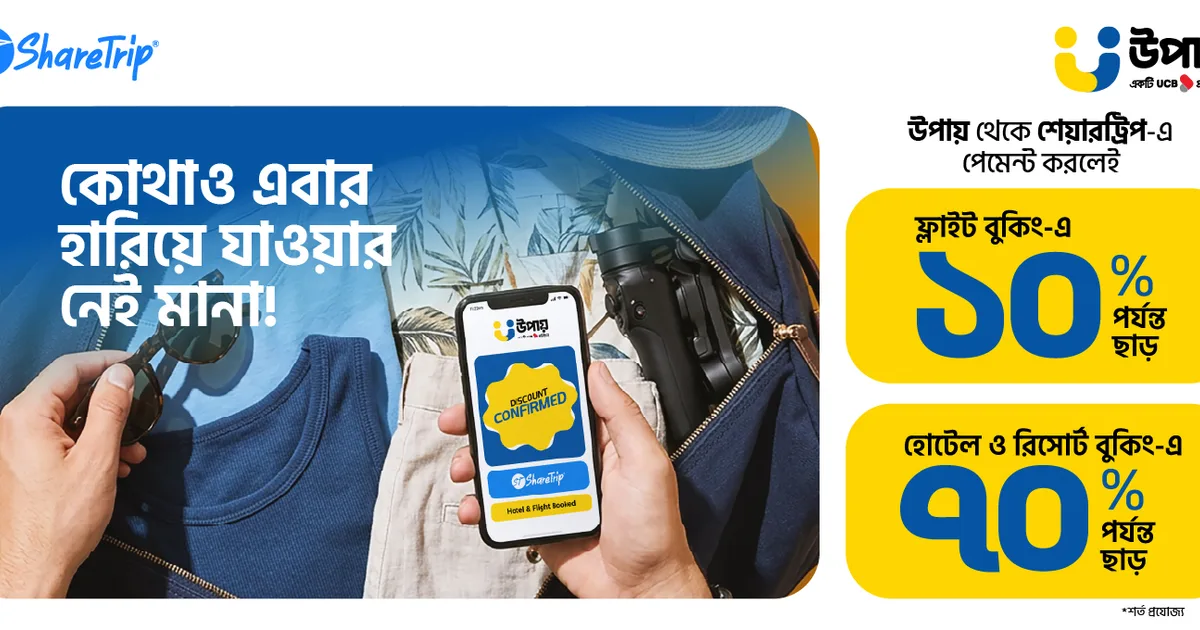
In Bangladesh's fast-evolving mobile financial ecosystem, Upay—launched in 2021 by UCB Fintech Company Limited, a subsidiary of premier commercial institution United Commercial Bank (UCB)—has emerged as one of the most technologically advanced digital wallets in the country. Built from the ground up on modern blockchain-secured financial architecture, Upay combines multi-wallet accounting, seamless QR-code transfers, and an accessible zero-data USSD portal (*268#).
For players on Takabet, Upay offers a crucial operational advantage: uncongested transaction processing. During high-stakes sporting events like the Bangladesh Premier League (BPL) or India Premier League (IPL), legacy networks like bKash occasionally experience traffic bottlenecks and server queues. Upay operates on fresh, high-throughput infrastructure that processes casino deposits and withdrawals rapidly, even during peak betting hours.
This comprehensive guide breaks down how to use Upay on Takabet: step-by-step deposit instructions, withdrawal verification, fee comparisons, common user errors, and essential account security best practices.
Technical Advantages of Upay for Online Casino Players
While bKash and Nagad hold massive historical user bases, Upay delivers distinct technological strengths that make it an attractive banking channel for real-money gaming in Bangladeshi Taka (৳):
+-------------------------------------------------------------------+
|               KEY ADVANTAGES OF UPAY (UCB)                        |
+-------------------------------------------------------------------+
| 1. High Network Reliability: Uncongested servers during peak match hours|
| 2. Low Cash-Out Rates      : Competitive ৳14 per ৳1,000 (1.40%)   |
| 3. Multi-Wallet Separation : Distinct Primary & Remittance balance|
| 4. Blockchain Architecture : High encryption & anti-fraud security|
+-------------------------------------------------------------------+
- Zero Congestion During Peak Match Hours: When hundreds of thousands of users simultaneously flood legacy networks during live cricket broadcasts, transaction confirmation SMS alerts can occasionally suffer 10-to-20 minute delays. Upay's modern server array processes transfers smoothly, ensuring your funds reflect on Takabet before match odds shift.
- Low Cash-Out Fees at Physical Agents: Upay charges a competitive cash-out fee of just 1.40% (৳14 per ৳1,000) via its smartphone application, significantly undercutting traditional MFS platforms charging ৳18.50 per thousand.
- Offline Access via USSD (
*268#): If your mobile data connection on Robi, Banglalink, or Grameenphone drops, you can complete deposits and check transaction statements offline using USSD.
Step-by-Step: Depositing Funds via Upay on Takabet
Follow these exact steps to ensure your Upay deposit is verified and credited automatically:
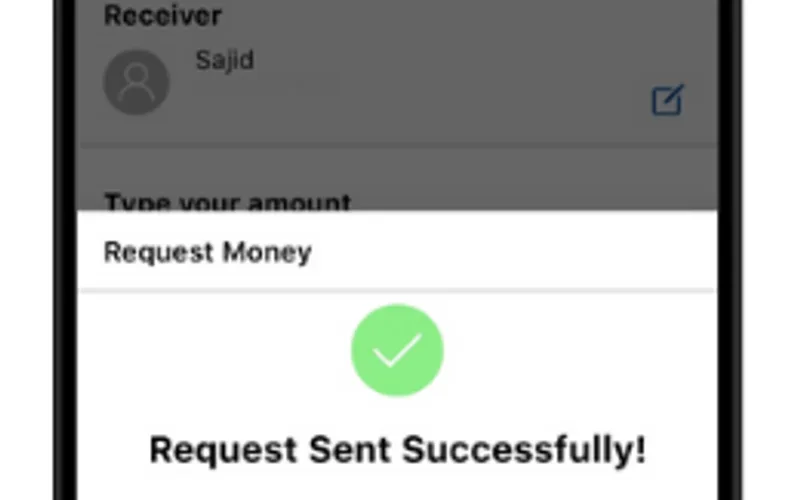
+-------------------------------------------------------------------+
|                  THE UPAY DEPOSIT WORKFLOW                        |
+-------------------------------------------------------------------+
| Step 1: Open Takabet Cashier -> Select Upay                       |
| Step 2: Note the Live Upay Receiver Number Displayed              |
| Step 3: Open Upay App (or dial *268#) -> Choose Send / Cash Out   |
| Step 4: Transfer Exact BDT Amount & Enter 4-Digit Upay PIN        |
| Step 5: Copy the Unique TrxID from Upay Digital Receipt           |
| Step 6: Paste TrxID into Takabet Cashier -> Confirm Submission    |
+-------------------------------------------------------------------+
Step 1: Access the Takabet Cashier
Sign in to your Takabet profile on mobile or desktop. Click the Deposit button on the main navigation bar. Select Upay from the available payment channels.
Step 2: Note the Live Receiver Number
Check the active receiver number displayed on the screen:
- Verify whether the cashier specifies Cash Out (Agent Number) or Send Money (Personal Number).
- Copy the 11-digit Upay mobile number directly to your clipboard.
- Never reuse numbers from previous days; receiver accounts rotate regularly to balance transaction limits.
Step 3: Complete Transfer in Upay App (or USSD *268#)
Open your Upay smartphone app:
- If the cashier specified an Agent Number, tap Cash Out.
- If the cashier specified a Personal Number, tap Send Money.
- Paste the receiver number copied from Takabet.
- Enter your desired deposit amount in Taka (e.g., ৳1,000 or ৳5,000).
- Enter your 4-digit Upay PIN and slide or tap and hold to confirm the transfer.
- (If using USSD: Dial
*268#, select Send Money or Cash Out, enter the destination number, amount, and PIN, and confirm).
Step 4: Retrieve and Copy the Transaction ID (TrxID)
Once the transfer completes, Upay displays a digital confirmation receipt:
- Locate the alphanumeric code labeled TrxID (e.g.,
UPY7921K8M). - Tap the copy icon, or take a clear screenshot of the transaction receipt.
Step 5: Submit the TrxID on Takabet
Return to the Takabet cashier tab:
- Paste the TrxID into the designated input field.
- Confirm that your sender Upay mobile number matches the account you sent from.
- Click Submit. Within 60 to 180 seconds, the automated payment gateway cross-references the UCB transaction log, and your gaming balance updates automatically!
Step-by-Step: Withdrawing Casino Winnings to Upay
Cashing out your winnings from Crazy Time, Super Ace, or sports betting to your personal Upay wallet is simple and fee-free:
Step 1: Check Account Verification
Confirm that your Takabet account is registered under your real legal name and that any active promotional bonus turnover requirements have been completed.
Step 2: Open the Withdrawal Menu
Navigate to your user profile and tap Withdrawal. Select Upay as your payout channel.
Step 3: Enter Your Personal Upay Number and Amount
- Enter your 11-digit personal Upay mobile number (e.g.,
017XXXXXXXXor018XXXXXXXX). - Enter your withdrawal amount in Bangladeshi Taka (minimum ৳500 to maximum ৳50,000 per transaction).
Step 4: Confirm and Await Wallet Crediting
Click Confirm Withdrawal.
- Takabet's automated risk management systems review the request.
- Average Processing Time: Typically between 15 and 45 minutes.
- Once disbursed, the funds land directly in your Upay primary wallet, accompanied by an official SMS confirmation from Upay. Takabet charges 0% platform fees on all withdrawals.
Comparing Upay against bKash, Nagad, and Rocket
Understanding where Upay excels compared to older domestic payment methods helps you choose the best channel for your gaming needs:
| Banking Metric | Upay (UCB) | Nagad | bKash | Rocket (DBBL) |
|---|---|---|---|---|
| Parent Banking Institution | United Commercial Bank | Bangladesh Post Office | BRAC Bank | Dutch-Bangla Bank |
| App Cash-Out Fee | 1.40% (৳14/৳1k) | 1.25% to 1.49% | 1.49% to 1.85% | 1.80% (0.9% at ATM) |
| Server Congestion Risk | Extremely Low | Low to Moderate | Moderate to High (Peak) | Low |
| USSD Offline Code | *268# |
*167# |
*247# |
*322# |
| Deposit Speed | Instant (1 to 3 mins) | Instant (1 to 3 mins) | Instant (1 to 3 mins) | Instant (1 to 3 mins) |
| Takabet Service Fee | 0% (Free) | 0% (Free) | 0% (Free) | 0% (Free) |
If you frequently bet on live cricket matches in the evening and want to avoid peak-hour SMS confirmation delays, Upay is one of the most reliable payment alternatives available.
Common Upay Payment Mistakes and How to Avoid Them
To prevent frustrating transaction delays, steer clear of these frequent user errors:
+-------------------------------------------------------------------+
|               COMMON UPAY PAYMENT PITFALLS                        |
+-------------------------------------------------------------------+
| 1. Confusing 'Send Money' with 'Cash Out'                         |
| 2. Re-using Old Upay Receiver Numbers from Past Weeks             |
| 3. Typing TrxID Manually Instead of Copy-Pasting                  |
| 4. Selecting Wrong Sub-Wallet Inside the Upay App                 |
+-------------------------------------------------------------------+
Upay's Multi-Wallet Architecture
The Upay application separates user funds into specialized wallets: Primary Wallet, Salary Wallet, and Remittance Wallet:
- Ensure your deposit funds are sitting in your Primary Wallet before initiating a transfer.
- Attempting to send money from a restricted corporate or remittance sub-wallet can cause the transaction to fail under central bank regulations.
Always Copy Live Receiver Numbers
Never save a Takabet Upay number in your phone's contact list. Receiver accounts rotate frequently to maintain daily transaction liquidity. Always copy the active number displayed on the cashier screen immediately prior to making your transfer.
What to Do If Your Upay Deposit Is Delayed
If you completed your transfer, submitted your TrxID on Takabet, and more than 15 minutes have passed without your balance updating:
- Step 1: Check Your Upay Statement: Open your Upay app, tap "Statement," and verify that the funds left your primary wallet and that an official TrxID was generated.
- Step 2: Capture a Clear Screenshot: Take an uncropped screenshot of the transaction receipt showing the Receiver Number, Amount, Date, Time, and TrxID.
- Step 3: Contact 24/7 Live Support: Open Takabet's live chat support widget. Provide your player username, the exact deposit amount, the TrxID, and the screenshot. Customer support agents will cross-reference the UCB payment logs and credit your balance manually in minutes.
For further troubleshooting guidance, explore our comprehensive guide on Payment Issues and Failed TrxID Resolution.