
Takabet Mobile Application Guide: Android APK Installation and iOS Setup
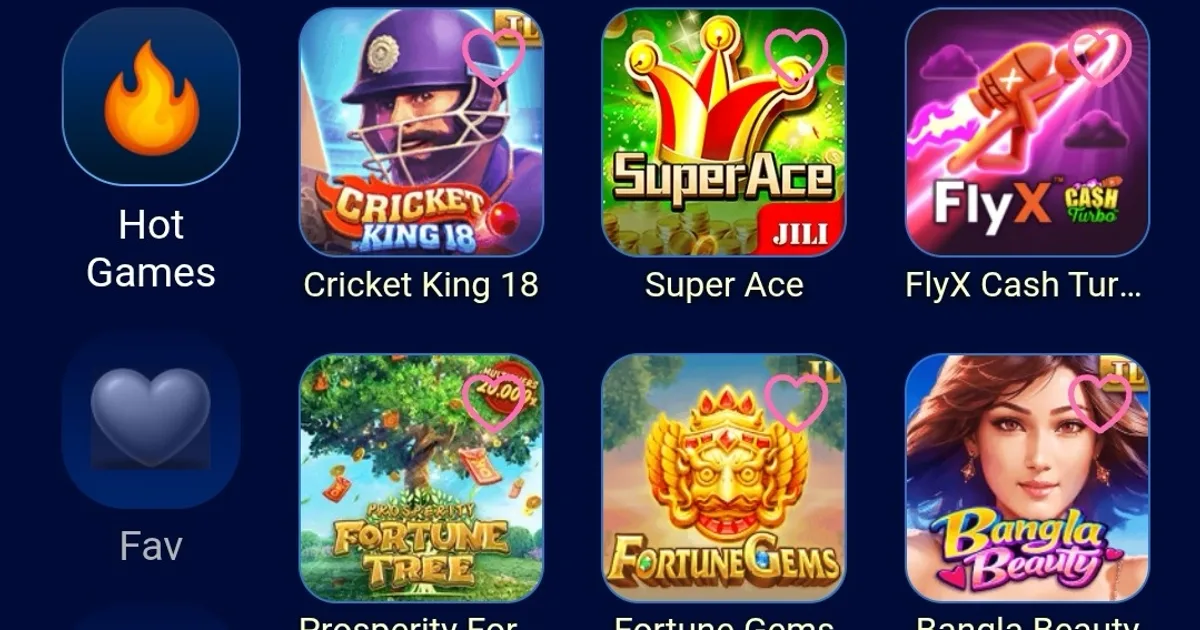
In modern digital gaming and sports wagering across Bangladesh, mobile accessibility is not merely a secondary feature—it is the primary way players interact with gaming platforms. Over ninety percent of online sports betting and casino activity in the country occurs on smartphones. Having a lightweight, responsive, and secure mobile application ensures fast access to in-play cricket odds, smooth live dealer video streaming, and instant cashier services without the latency and rendering delays often associated with congested mobile web browsers.
This comprehensive guide provides complete, step-by-step instructions for downloading and installing the official Takabet Android Application Package (APK), configuring system security permissions, setting up a Progressive Web App (PWA) on Apple iOS devices, optimizing mobile performance on entry-level hardware, and safeguarding your mobile account credentials.

Official Takabet Mobile App Package (Verified 2026 Release)
Official Takabet Mobile APK (Android & iOS)
Direct package file download • High-speed lag-free gaming engine
Technical Specifications and System Requirements
Before initiating the download process, verify that your smartphone or tablet meets the minimum hardware and operating system specifications required for stable, low-latency performance:
Android Hardware and System Requirements
- Operating System Version: Android 6.0 (Marshmallow) or higher (Android 10, 11, 12, 13, or 14 recommended).
- Processor (CPU): Quad-core 1.5 GHz or higher (compatible with MediaTek Helio, Qualcomm Snapdragon, and Unisoc chipsets).
- RAM (Memory): Minimum 2 GB of RAM (3 GB or 4 GB recommended for smooth multi-camera live casino streaming).
- Free Storage Space: Minimum 100 MB of free internal storage to download and install the APK package, with 250 MB recommended for cached assets and game graphics.
- Network Connectivity: Stable 4G, 5G, or Wi-Fi connection with minimum download speeds of 3 Mbps for sports betting and 5 Mbps for HD live casino feeds.
Apple iOS Requirements
- Operating System Version: iOS 12.0 or higher across iPhone, iPad, and iPod Touch.
- Web Browser: Safari (Apple WebKit engine).
- Available Storage: Minimum 50 MB of available storage for web application cache and offline resources.
Step-by-Step Android APK Download and Installation Manual
Because global digital storefront policies (such as the Google Play Store) restrict real-money gaming applications in various international regions, the official Takabet Android app is distributed directly via an installation package known as an APK (Android Application Package) file.
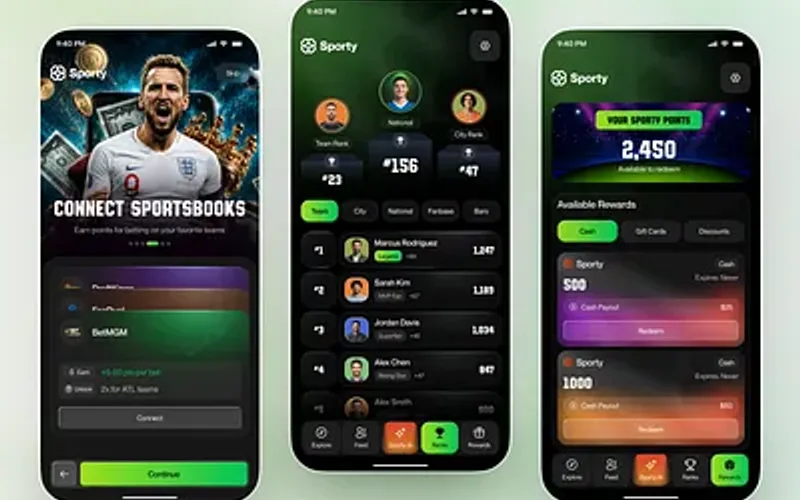
Follow this verified, step-by-step procedure to download and install the package safely on your Android device:
Preparing Your Android Device for Installation
By default, modern Android smartphones prevent the installation of applications downloaded outside the Google Play Store to protect users from unverified software. To install the official package, you must grant permission for your web browser to install external applications:
- Open the Settings menu on your Android smartphone.
- Navigate to Security, Privacy, or Apps & Notifications (the naming varies slightly depending on whether you use Xiaomi MIUI/HyperOS, Samsung One UI, Realme UI, or Vivo Funtouch OS).
- Select Install Unknown Apps or Special App Access.
- Locate the web browser you normally use (such as Google Chrome or Samsung Internet) and toggle the switch to Allow from this source (or "Permit app installs").
Downloading the Official APK Package
- Open your mobile web browser and navigate directly to the official platform portal via our verified Takabet Platform Overview or Official Login Mirror.
- Locate the Mobile App or Download App button prominently displayed in the website header or main menu.
- Tap the Download for Android button to begin downloading the latest
.apkinstallation file (typically namedtakabet_official_vX.X.apk). - Your browser may display a standard security prompt stating: "This type of file can harm your device. Do you want to keep it anyway?" This is a universal warning shown for all direct
.apkdownloads outside the Play Store. Confirm the download by tapping OK or Download Anyway.
Installing and Launching the Application
- Once the download completes (usually within 10 to 30 seconds depending on your mobile connection), swipe down from the top of your screen to open your notification shade and tap the completed download notification. Alternatively, open your smartphone's File Manager or Files app and open the Downloads folder.
- Tap on the downloaded APK file. A system installation prompt will appear on your screen displaying the app name and icon.
- Tap Install in the lower-right corner.
- Wait a few seconds while the Android package installer extracts the files and conducts a built-in security scan.
- Once installation is complete, tap Open to launch the application immediately, or tap Done to return to your home screen, where the official app icon will now appear.
Setting Up the Application on Apple iOS Devices (iPhone and iPad)
Apple's iOS operating system does not permit direct installation of external installation packages without complex enterprise certificates that frequently expire. To provide Apple users with an identical, seamless mobile experience, the platform utilizes advanced Progressive Web App (PWA) technology.
A PWA runs directly through Apple's native Safari browser engine but functions exactly like a standalone native app—complete with a dedicated home screen icon, full-screen display without browser address bars, fast asset caching, and biometric login support.
Follow these simple steps to configure the iOS app on your iPhone or iPad:
- Launch the native Safari browser on your Apple device.
- Navigate to the official mobile portal using our verified Login Mirror Link.
- Tap the Share icon located at the bottom center of your Safari screen (a square icon with an upward-pointing arrow).
- Scroll down through the action menu and tap Add to Home Screen.
- A configuration prompt will appear showing the application title and icon. You can leave the name as "Takabet" or customize it according to your preference.
- Tap Add in the upper-right corner.
- Close Safari and return to your iPhone home screen. You will now see the app icon displayed alongside your other native apps. Tapping this icon launches the platform in dedicated full-screen mode with optimized performance.
Core Features and Built-In Mobile Tools
The mobile application offers several distinct technical advantages over standard mobile browser navigation:
Ultra-Low Latency Live In-Play Odds
During fast-paced cricket matches in tournaments like the BPL and IPL, odds fluctuate with every delivery. The mobile application utilizes dedicated lightweight WebSocket connections to stream real-time price updates directly to your screen, eliminating the need to constantly refresh browser tabs and reducing the risk of bet rejection due to price movements.
Integrated Mobile Cashier (bKash and Nagad)
The application integrates seamlessly with local mobile financial services apps installed on your device. When funding your account, you can quickly copy merchant numbers or switch between your banking app and the gaming cashier with zero memory reloads or session disconnects.
Biometric Security and One-Touch Login
You can configure the application to utilize your smartphone’s hardware security features—including fingerprint recognition (Touch ID) and facial recognition (Face ID)—allowing for rapid, secure login while protecting your account if your device is temporarily accessed by others.
Data Saving and Bandwidth Optimization
For players operating on metered mobile data packages from Grameenphone, Robi, or Banglalink, the app stores core visual assets, card graphics, and audio files locally in your device cache. This reduces mobile data consumption by up to 60% compared to repeatedly loading full web pages in a browser.
Mobile Performance Optimization and Troubleshooting
To ensure your mobile application runs at peak efficiency, especially on budget-friendly smartphones with modest RAM, follow these practical optimization tips:
Resolving "App Not Installed" Errors on Android
If your Android system displays an "App Not Installed" error during the setup process, the issue is typically caused by one of three common factors:
- Insufficient Storage: Your phone has less than 100 MB of free internal memory. Free up space by clearing cached data or deleting unused media files, then retry the installation.
- Conflicting Previous Versions: An older or corrupted version of the app is already installed on your device. Go to Settings > Apps, locate the older version, uninstall it completely, reboot your phone, and install the new package.
- Corrupted Download: Your mobile internet connection dipped during the download, resulting in an incomplete APK package. Delete the downloaded file from your Downloads folder and download a fresh copy over a stable connection.
Eliminating Video Lag on Live Casino Streams
If live dealer tables (such as Evolution Live Baccarat or Crazy Time) experience buffering or video stutter:
- Open the video player settings inside the live table interface and adjust the video quality from "High Definition" to "Auto" or "Medium."
- Close unnecessary background applications (such as social media apps, video streaming apps, and cloud backup syncs) that consume background processing power and bandwidth.
- Switch from congested mobile data to a high-speed Wi-Fi network where possible.
Managing App Cache and Internal Storage
Over months of active gameplay, cached game assets can accumulate in your phone’s memory. If the app feels sluggish:
- Open Settings > Apps > Takabet.
- Tap Storage & Cache.
- Tap Clear Cache (do not tap "Clear Data" unless you are prepared to re-enter your login username and password). This will restore fluid interface speeds without deleting your account settings.
Mobile Security Hygiene and Player Protection
Your smartphone holds your personal communications, mobile financial wallets, and gaming accounts. Maintaining rigorous mobile security hygiene is essential:
- Download Exclusively from Verified Sources: Never download APK files shared via unverified Telegram chat groups, Facebook links, or third-party file-sharing websites. Unauthorized packages may contain malicious adware, keyloggers, or spyware designed to capture your passwords. Always use official links verified by our Takabet Platform Overview.
- Lock Your Device: Always protect your smartphone with a secure PIN, pattern, or biometric lock. Never leave your phone unlocked and unattended in public places.
- Keep Your Operating System Updated: Regularly install system security patches issued by your device manufacturer to safeguard against newly discovered software vulnerabilities.
- Review Responsible Gaming Boundaries: Mobile access makes gaming available 24 hours a day, which can increase the temptation to play excessively. Visit our Responsible Gaming Policy to learn how to set strict session time limits and protect your personal well-being.