
Nagad Payment Guide for Casino Transactions in Bangladesh: Low Fees, USSD Deposits, and Cashout Steps
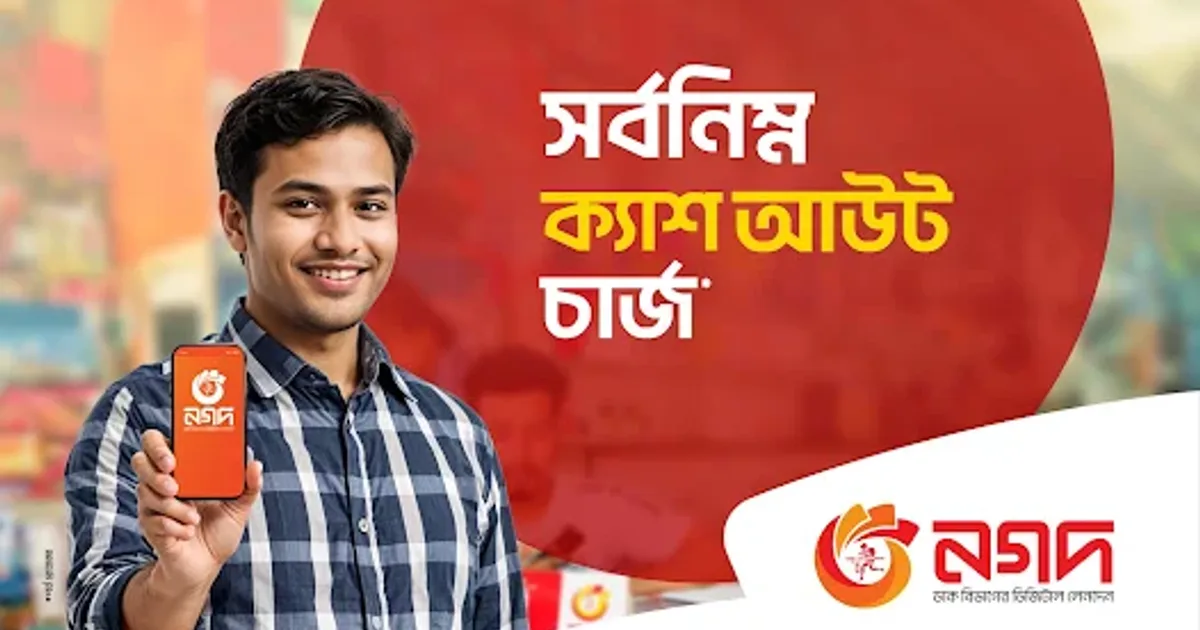
Operated under the authority of the Bangladesh Post Office, Nagad has rapidly established itself as one of the most formidable and player-friendly Mobile Financial Services (MFS) in Bangladesh. Serving tens of millions of registered users across the nation, Nagad gained widespread popularity by offering competitive transaction fee structures, substantial daily wallet thresholds, and seamless nationwide accessibility through its dedicated smartphone application and zero-internet USSD code (*167#).
For players on Takabet, Nagad represents an exceptional banking channel for managing deposits and withdrawals in Bangladeshi Taka (৳). Many experienced bettors actively prefer Nagad over alternative payment options because of its lower cash-out fees at physical neighborhood agents and lightning-fast automated processing speeds.
This comprehensive guide covers everything you need to know about using Nagad on Takabet: step-by-step deposit instructions, withdrawal verification, fee comparisons against bKash, troubleshooting delayed transactions, and account security best practices.
Why Bangladeshi Casino Bettors Prefer Nagad
Nagad's massive rise across the domestic online gaming community is driven by four practical financial advantages:
+-------------------------------------------------------------------+
|               KEY ADVANTAGES OF NAGAD ON TAKABET                  |
+-------------------------------------------------------------------+
| 1. Lowest Cash-Out Fees   : ৳12.50 / ৳14.94 per thousand vs ৳18.50|
| 2. Instant USSD Access    : Works on any phone via *167# (No data)|
| 3. High Daily Limits      : Generous daily and monthly thresholds |
| 4. Instant TrxID Logging  : Rapid 8-character transaction matching|
+-------------------------------------------------------------------+
The Lowest Cash-Out Fees in Bangladesh
The primary reason regular bettors favor Nagad is its fee structure. When you withdraw winnings from Takabet to your mobile wallet and later convert that balance into physical cash at a local agent:
- Traditional MFS providers charge between ৳17.50 and ৳18.50 per ৳1,000.
- Nagad charges only ৳12.50 per ৳1,000 (app with VAT) or ৳14.94 per ৳1,000 (USSD with VAT).
- On a substantial withdrawal of ৳50,000, choosing Nagad saves you between ৳200 and ৳300 in cash-out fees alone, allowing you to keep more of your hard-earned winnings.
Fast Account Creation and Offline USSD Access
Thanks to integration with the national voter database via the Bangladesh Post Office, any citizen with an NID-registered SIM card can open an active Nagad account in seconds simply by dialing *167# and setting a 4-digit PIN. If you find yourself in an area with poor mobile data coverage, you can execute casino deposits and check your balance offline without needing an active internet connection.
Step-by-Step: Depositing Funds via Nagad on Takabet
Follow these exact steps to ensure your Nagad deposit is processed automatically within minutes:
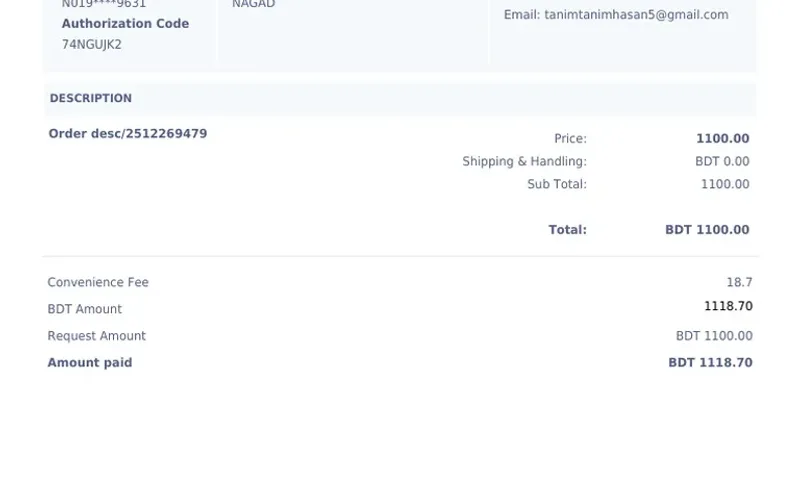
+-------------------------------------------------------------------+
|                  THE NAGAD DEPOSIT WORKFLOW                       |
+-------------------------------------------------------------------+
| Step 1: Open Takabet Cashier -> Select Nagad                      |
| Step 2: Note the Live Nagad Agent or Personal Number Displayed    |
| Step 3: Open Nagad App (or dial *167#) -> Choose Cash Out / Send  |
| Step 4: Transfer Exact BDT Amount & Enter 4-Digit Nagad PIN       |
| Step 5: Copy the 8-Character TrxID from Nagad Digital Receipt     |
| Step 6: Paste TrxID into Takabet Cashier -> Confirm Submission   |
+-------------------------------------------------------------------+
Step 1: Access the Takabet Cashier
Log in to your Takabet account. Navigate to the top user menu and tap Deposit. Select Nagad from the payment options.
Step 2: Check the Current Receiver Number and Method
Crucial Warning: Online gaming platforms rotate their receiver numbers frequently for liquidity and regulatory security. Never send funds to a Nagad number saved from a previous transaction.
- Carefully read the instructions displayed on the screen.
- Check whether the active number requires Cash Out (Agent Number) or Send Money (Personal Number).
- Copy the 11-digit Nagad number directly to your clipboard.
Step 3: Complete the Transfer in Your Nagad App (or USSD)
Open your Nagad smartphone application:
- If the cashier specified an Agent Number, tap Cash Out.
- If the cashier specified a Personal Number, tap Send Money.
- Paste the receiver number you copied from Takabet.
- Enter the exact amount in Bangladeshi Taka you selected on the cashier screen (e.g., ৳1,000 or ৳5,000).
- Enter your secure 4-digit Nagad PIN and tap and hold the circular button to confirm the transfer.
- (If using USSD on feature phones: Dial
*167#, select Cash Out or Send Money, enter the receiver number, amount, and PIN, and confirm).
Step 4: Copy the Transaction ID (TrxID)
Once the transfer completes, Nagad displays a digital confirmation receipt:
- Locate the alphanumeric code labeled TrxID (e.g.,
71X9MK4B). - Tap the copy icon next to the TrxID, or take a clear screenshot of the transaction receipt.
Step 5: Submit the TrxID on Takabet
Return to the Takabet cashier tab:
- Paste the 8-character TrxID into the designated input box.
- Enter the sender Nagad mobile number you transferred the money from.
- Click Submit. Takabet's automated gateway verifies the TrxID against the Nagad network, and your gaming balance updates within 60 to 180 seconds!
Step-by-Step: Withdrawing Casino Winnings to Nagad
Cashing out your profits from Crazy Time, Gates of Olympus, or sports betting to your personal Nagad wallet is fast and fee-free:
Step 1: Ensure Account Verification
Before requesting a payout:
- Confirm that your Takabet account profile information (name and phone number) matches your real identity.
- Confirm that all active bonus turnover requirements have been completely fulfilled.
Step 2: Open the Withdrawal Cashier
Navigate to your profile and click Withdrawal. Select Nagad as your preferred receiving channel.
Step 3: Enter Your Personal Nagad Number and Amount
- Enter your 11-digit personal Nagad mobile number (e.g.,
018XXXXXXXXor016XXXXXXXX). - Enter your withdrawal amount in Taka (minimum ৳500 to maximum ৳50,000 per transaction).
Step 4: Confirm and Receive Funds
Click Confirm Withdrawal. Takabet's automated risk management systems review the request.
- Average Processing Time: Payouts typically process within 15 to 45 minutes.
- Once released, funds land directly in your Nagad personal wallet, accompanied by an official SMS confirmation from Nagad. Takabet deducts 0% platform fees on all withdrawals.
Comparing Nagad vs bKash for Casino Banking
Many Bangladeshi players maintain accounts with both major MFS providers. Here is how they compare when funding online casino accounts:
| Banking Metric | Nagad | bKash | Strategic Winner |
|---|---|---|---|
| Agent Cash-Out Fee | ৳12.50 to ৳14.94 per ৳1k | ৳14.90 to ৳18.50 per ৳1k | Nagad (Cheaper cash-out) |
| Deposit Processing Speed | Instant (1 to 3 mins) | Instant (1 to 3 mins) | Tie (Equally fast) |
| Takabet Service Fee | 0% (Free) | 0% (Free) | Tie |
| USSD Offline Access | Dial *167# |
Dial *247# |
Tie |
| TrxID Length | Typically 8 characters | Typically 10 characters | Nagad (Faster to copy) |
| Daily Transaction Limits | Up to ৳250,000 daily | Up to ৳250,000 daily | Tie |
If your goal is to minimize out-of-pocket costs when turning digital winnings into physical cash in hand, Nagad is the superior financial vehicle.
Common Nagad Transfer Mistakes and How to Prevent Them
To avoid frustrating payment delays, watch out for these common user errors:
+-------------------------------------------------------------------+
|               COMMON NAGAD DEPOSIT MISTAKES                       |
+-------------------------------------------------------------------+
| 1. Confusing 'Send Money' with 'Cash Out'                         |
| 2. Re-using Stale Receiver Numbers from Previous Days             |
| 3. Typing TrxID Manually Instead of Copy-Pasting                  |
| 4. Submitting Deposit Form Before Completing the MFS Transfer     |
+-------------------------------------------------------------------+
Confusing Send Money with Cash Out
If Takabet's cashier provides an Agent Number, you must select Cash Out in your Nagad app. Attempting to use "Send Money" to an agent number will be rejected by Nagad. Always check the label on the cashier display before sending funds.
Reusing Saved Phone Numbers
Never save a Takabet receiver number in your phone's address book. Receiver numbers change frequently to manage daily bank limits and maintain liquidity. Always open the cashier and copy the live number shown on your screen right before executing your transfer.
Typographical Errors in TrxID
Nagad transaction IDs combine numbers and uppercase letters (e.g., 8NM24QL9). Typing them manually can lead to simple mistakes, such as confusing the number zero (0) with the letter O. Always use the digital copy icon on your Nagad confirmation receipt.
What to Do If Your Nagad Deposit Is Delayed
If you completed your transfer, submitted your TrxID on Takabet, and more than 15 minutes have passed without your balance updating:
- Step 1: Check Your Nagad History: Open your Nagad app, go to "Transactions," and confirm that the funds were deducted from your wallet and that a valid TrxID was generated.
- Step 2: Take a Complete Screenshot: Capture a clear screenshot of the transaction details showing the Receiver Number, Amount, Date, Time, and TrxID.
- Step 3: Reach Out to 24/7 Live Support: Open Takabet's live chat widget. Provide your player username, the exact deposit amount, the TrxID, and the screenshot. Customer support agents will cross-reference the payment gateway logs and credit your balance manually in minutes.
For detailed steps on resolving transaction discrepancies, review our guide on Payment Troubleshooting and Failed TrxID Resolution.
Essential Account Security Best Practices
Protecting your mobile money account is essential for a safe gaming experience:
- Keep Your 4-Digit PIN Secret: Takabet staff will never ask for your Nagad PIN or one-time verification codes (OTP). Never disclose your PIN to anyone claiming to be a customer support agent.
- Set Up Biometric Authentication: Enable fingerprint or facial recognition on your Nagad app to safeguard your wallet against unauthorized access if your phone is lost or borrowed.
- Ensure NID Ownership: Always use a Nagad wallet registered under your own National Identity Card (NID) to guarantee smooth account recovery and dispute resolution.
For an alternative mobile wallet option, explore our guide on Rocket by Dutch-Bangla Bank.